



The increasing usage of technology and the introduction of newer technologies results in people realising that having more devices doesn’t always ensure higher productivity, therefore, a minimalist approach to gadgets is becoming increasingly popular with Americans across the country, particularly with remote workers, students, freelancers, and other professionals looking to be more productive with less hassle, by focusing on fewer, smarter tools and finding ways to help them stay on task without having multiple distractions from each device.
The purpose of this article is to provide details as to what is meant by a minimalist setup of gadgets, an explanation of the benefits of having a minimalist approach to your gadgets, and how you can create your own minimalist gadget setup in order to be more productive while still maintaining comfort and productivity.
What “Minimalist” Means in a Tech Context
Minimalist tech isn’t about owning the cheapest or smallest devices. It’s about intentional use.
- A minimalist setup focuses on:
- Fewer devices with overlapping functions
- Clean workflows instead of constant switching
- Tools that solve real problems, not create new ones
For productivity, this means reducing decision fatigue, minimizing distractions, and creating an environment where your tech fades into the background and your work takes center stage.
Why Fewer Gadgets Often Lead to Better Focus
Adding equipment creates extra cognitive demands: notifications, updates, settings, keeping charged, and maintenance. Research has found that task-switching has a negative effect on productivity, regardless of the time it takes. Multitasking has been common in the United States, where our culture is based on multitasking; using simple configurations can reduce our susceptibility to burnout caused by overstimulated communication channels by:
- Decreasing the number of notifications you receive
- Making daily processes easier to complete
- Helping you enter a state of deep concentration more easily
This is not about completing as much as possible at once; it’s about completing the appropriate amount of work without interruption.
The Core Device: One Primary Computer
The majority of minimalist workspaces usually depend upon a dependable computer. For many professionals in the United States, this could be a laptop that may be easily transported to either an office or home and docked for work, or a desktop with a lightweight laptop or tablet. A minimalist approach promotes the use of an all-in-one machine for the selection of everyday tasks, such as email and communication, document creation, web browsing/research, and simple creative/analytical processes, instead of juggling between multiple devices (e.g., laptops, tablets/hybrids). When everything is centralized within one device, productivity increases.
Laptop vs Desktop: Which Fits Minimalism Better?
Laptops dominate minimalist setups in the US because of flexibility. A single laptop can serve as:
- A home workstation
- A coffee shop office
- A travel companion
Paired with an external monitor and keyboard at home, a laptop becomes a full productivity hub without duplication.
Desktops still make sense for:
- Power users (video editors, engineers)
- Fixed home offices
- Users who value ergonomics over portability
Minimalism doesn’t dictate the form, it prioritizes avoiding redundancy.
One External Monitor, Not Three
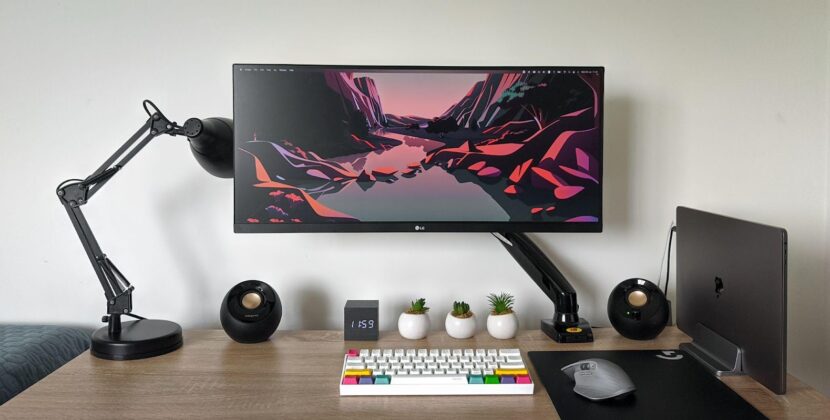
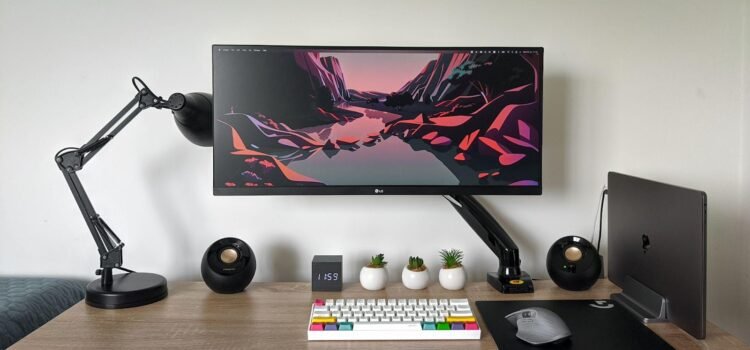
An ultra-wide desk with 3 or 4 monitors may seem impressive, but it often causes constant context switching between tasks. When setting up a minimalist productivity system, it is normally done with one external monitor (high quality) or one ultra-wide monitor.
This helps to keep your field of vision focused while still allowing for multitasking. Research has shown that having too many screens increases distractions and creates eye strain, especially when working for 8-10 hours at a desk. For US remote workers working at a desk for 8-10 hours a day, having fewer screens typically/usually provides a clearer mind for thinking.
Keyboard and Mouse: Comfort Over Novelty
Minimalist setups prioritize input devices you trust, not collections of alternatives.
Instead of rotating between multiple keyboards and mice, choose:
- One comfortable keyboard (mechanical or membrane)
- One precise mouse or trackpad
Ergonomics matter more than aesthetics. A setup that reduces wrist strain and hand fatigue improves long-term productivity more than flashy accessories.
Once you find gear that works, stop searching.
Audio: One Good Pair of Headphones
Audio clutter is common: wired earbuds, wireless earbuds, gaming headsets, office headphones. Minimalism cuts through that.
A single pair of high-quality noise-canceling headphones can handle:
- Video calls
- Focus sessions
- Travel
- Casual entertainment
For US professionals working in shared spaces or noisy homes, good headphones can dramatically improve concentration without adding complexity.
Smartphones: The Biggest Productivity Threat
Ironically, the most powerful device we own is often the biggest distraction.
Minimalist gadget setups don’t eliminate smartphones, but they redefine their role.
Productive users often:
- Turn off non-essential notifications
- Remove social media from the home screen
- Use focus modes aggressively
Treat the phone as a tool, not a constant companion
Some even use their phone primarily for communication and navigation, keeping deep work on their computer.
Tablets: Useful or Redundant?
Tablets can be productivity boosters or expensive distractions.
In minimalist setups, tablets make sense when they serve a clear purpose:
- Note-taking with a stylus
- Reading and research
- Presentations
If a tablet duplicates everything your laptop already does, it adds friction rather than value. Minimalism asks one question: Does this device remove effort, or add it?
Cloud Services Reduce Hardware Needs
Using minimal technology setups means using many cloud tools. Cloud technologies reduce the need for local data storage and backup, as well as reliance on devices. For example, cloud technologies allow people in the US to do the following:
- Access files from any device
- Eliminate the clutter of external hard drives
- Replace the need for scanners, printers, and USBs
Therefore, fewer physical devices are used, and transitions to different places of work will become smoother.
Desk Setup: Clear Space, Clear Mind
Minimalist computer system layouts involve more than just technology; they also include the way the area is used physically.
Common characteristics of an efficient, functional office or workspace include the following:
- A clean, orderly appearance
- A minimum amount of technology on or near work surface
- A lack of exposed cables and cords
- An absence of unused accessories nearby
Having a neat-looking desk can help minimize cognitive load and establish a positive relationship between the desk, your brain, and the production of quality, distraction-free work.
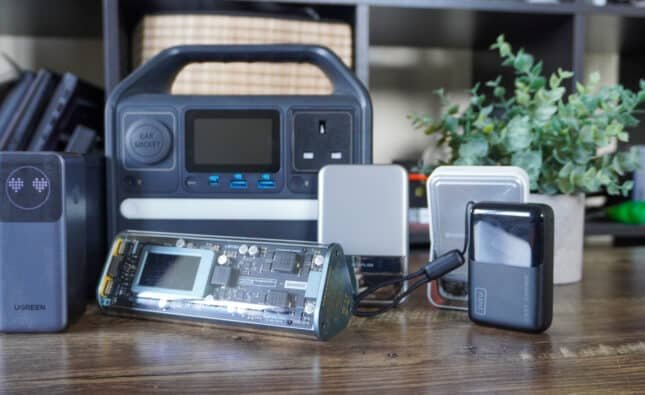
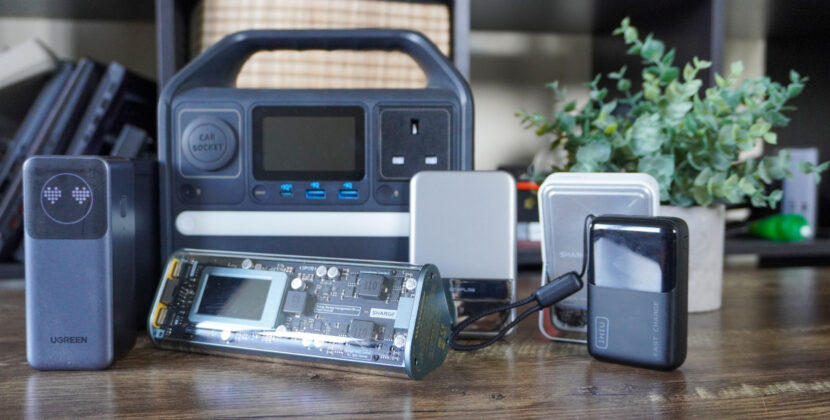
Charging: One System, Not Many
Cable clutter is responsible for many lost hours of productivity.
The minimalist approach to minimize cable clutter:
- Use a single USB-C charger to charge multiple devices.
- Have one charging station instead of having to search for cables scattered around the house.
- Charge your devices overnight to eliminate interruptions during the day.
With all the gadgets that most houses now have in the US, having a simple way to manage the power source will save time and mental energy.
Software Minimalism Matters Too
Hardware minimalism fails without software discipline.
A minimalist productivity setup includes:
- Fewer installed apps
- Clear file organization
- One primary task manager
- One note-taking system
Jumping between five productivity apps doesn’t increase productivity; it fragments attention.
Who Benefits Most From a Minimalist Gadget Setup?
In the US, minimalist setups work especially well for:
- Remote and hybrid workers
- Freelancers and consultants
- Students managing digital overload
- Knowledge workers doing deep, focused tasks
Highly collaborative roles may still need additional tools, but simplicity remains valuable.
How to Transition Without Disrupting Work
The best way to adopt a minimalist setup is incrementally.
Start by:
- Removing one unused device
- Consolidating two overlapping tools
- Reducing notifications for one week
Small changes reveal what actually improves focus without risking productivity.
Final Thoughts
The minimalistic gadget approach isn’t necessarily about owning fewer items; it’s more about being intentional with how you use technology. The most productive performance occurs when devices aid in maintaining focus instead of competing for your attention as you manage a hectic schedule in your remote working environment, surrounded by digital interruptions. The most effective configuration is not a collection of gadgets accumulated over time but a collection that will permit you to forget about the tech altogether and focus on the pertinent work at hand.
FAQs
1. Does having fewer gadgets really improve productivity?
Yes. Fewer devices reduce task-switching, notification overload, and decision fatigue. Many U.S. professionals report better focus and lower burnout when their tech setup is simplified.
2. What is the most important device in a minimalist workspace?
A single, reliable computer, usually a laptop, serves as the core device. It handles communication, documents, research, and most work tasks without the need for multiple overlapping devices.
3. How many monitors should a minimalist setup have?
One high-quality external monitor or one ultra-wide display is ideal. Multiple monitors often increase distractions and eye strain without significantly improving productivity.
4. What accessories matter most in a minimalist workspace?
Comfort-focused accessories matter most. One ergonomic keyboard, one precise mouse or trackpad, and one good pair of noise-canceling headphones are usually enough.
5. How do cloud services support a minimalist tech approach?
Cloud services reduce the need for extra hardware by enabling file access from anywhere. They help eliminate external drives, printers, and cables, which supports a cleaner, simpler workspace.
Source link: Digital Minimalism in 2025: How a Tech Detox Can Transform Your Productivity Lifestyle
42 incredible tech accessories for a tricked-out home office