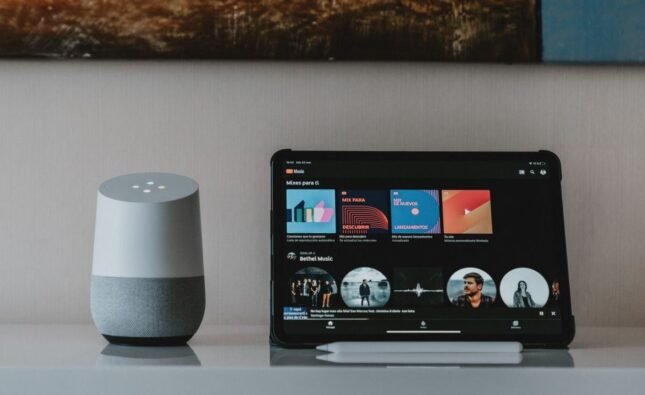






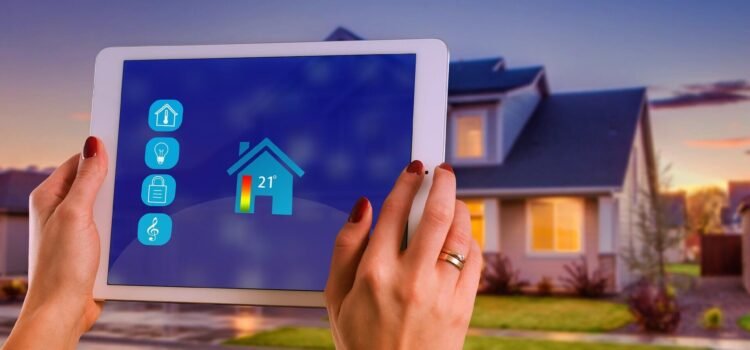
In today’s digital world, smart homes are rapidly changing the way we live. All household devices have become completely automated. Devices like smart assistants, connected cameras, and smart thermostats make life more convenient, energy-efficient, and entertaining. These days, homes pose a significant risk to smart home security. Ensure that robust IoT privacy and data protection measures are in place to ensure a safe and comfortable living environment.
This article offers a clear understanding of safety strategies, including how to secure a home and privacy tips.
Understanding Smart Home Security Risks
Different smart devices, from locks to light bulbs, are designed to communicate and share data over the internet. While this provides great comfort, it also exposes homes to a variety of security risks:
- Data Breach: Smart devices can be compromised due to weak passwords or open networks.
- Data Breaches: The sensitive information collected by smart devices can easily get intercepted and misused.
- Device Hijacking: The malicious actors hijack cameras, speakers, or locks, posing a threat in a physical manner
- Intrusions into Privacy: Continuous data collection will expose private information unless secured and protected.
Recognizing these risks is the first step in securing your digital sanctuary.
Why IoT Privacy and Data Protection Matter:
Every device connected in a smart home depends on the IoT, which is a broad network of smart devices interconnected via wireless networks. These devices collect and transmit vast amounts of data about occupants, routines, and preferences. Without proactive data protection, cybercriminals use such data points for identity theft, targeted scams, or even physical intrusions.
Never share the same password across devices, since a breach in one can compromise at all.
How to Secure Smart Home:
Safeguarding your smart home doesn’t require advanced technical skills-just smart habits and a commitment to device safety. These are the steps to safeguard smart home:
1. Use Strong, Unique Passwords for Each Device
Avoid the use of default credentials. Create long, complex passwords comprising letters, numbers, and symbols.
2. Enable Two-Factor Authentication (2FA)
When possible, enable 2FA on smart home account web pages and mobile apps.
Authenticator apps are more secure than text or SMS codes.
3. Keep Device Firmware and Software Up to Date
Security patches are released by manufacturers to patch vulnerabilities. Turn on auto-update or manually check for updates every month.
Only buy devices from brands that commit to long-term software support.
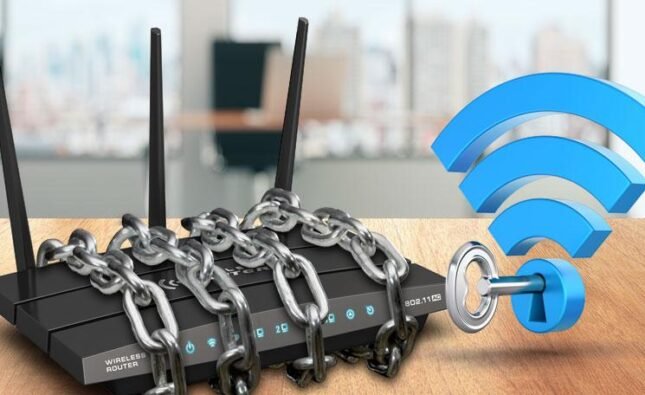
4. Secure your home Wi-Fi Network
- Use WPA3 encryption on your router, or at a minimum, WPA2.
- Change default network names and administrator credentials.
- Set up a separate guest network for the devices of visitors.
5. Keep Physical Devices Out of Sight
- Place security cameras and smart displays out of view from outside windows to help prevent physical tampering.
- Avoid placing devices with microphones in private areas, such as bedrooms or bathrooms.
6. Limit Data Sharing & Unnecessary Permissions Review device and app permission settings; turn off location sharing and limit what data is collected. Opt-out from those features that you don’t use; less data means fewer risks.
Smart Home Data Privacy: Protect What Matters Most
Securing the digital parts of your home goes beyond just passwords and settings. True smart home data privacy means understanding how your information is collected, processed, and shared:
Read through the Privacy Policies: Before installing any device, go through its privacy policy to understand how data is stored and used.
By default, many devices are set to collect more information than you need. Modify settings to reduce exposure.
- Cloud Account Management: Synchronize smart home devices with privacy-oriented cloud services or local storage alternatives.
- Delete Unused Devices: If you retire or replace a smart device, reset it to factory settings and remove any associated cloud accounts.
IoT Privacy: Awareness and Best Practices
IoT privacy goes outside of the house, too: with wearable fitness trackers, smart cars, and appliances, your data is shared on global networks. Here’s how to protect your privacy:
- Be Selective About Connected Devices: Install only those devices which will be of tangible value to your life.
- Minimizing Data Footprint: Use anonymous settings wherever available, decline integrations not needed, and regularly clean up old data.
- Educate Your Family: Teach children and guests about the basic smart home safety and data privacy rules.
Common Smart Home Security Risks to Avoid
- Ignoring software updates.
- Using passwords like “123456” or default device passwords.
- Share Wi-Fi credentials without restriction.
- Keeping voice recognition and face recognition is always a big mistake; it does not work all the time.
- Keeping fingerprint recognition.
Expert Checklist: How to Secure Smart Home Effectively
- Change device passwords immediately upon setup.
- Activate privacy features, including encryption and biometric locks.
- Audit your network for unknown devices on a monthly basis to identify potential security risks.
- Also, enable notifications for suspicious activities.
To conclude, the true value of a smart home is shown in its security and privacy aspects. Connected devices are becoming more hectic these days in everyday life; it’s time now for the house owners to keep the house secure. The safety of users can be considerably improved by setting strong passwords, regularly updating software and managing IOT privacy settings.Mainting device security will let you enjoy the life without having a fear in mind you grab from smart home data privacy.
FAQ’s:
How can I protect my smart home devices against hacking?
Use strong, unique passwords for every device to always enable two-factor authentication when available.
Should I update my device firmware periodically?
Yes, it does. Regular updates patch security vulnerabilities, making devices much safer.
Is it safe to connect all smart devices to Wi-Fi?
It’s obviously safer to segment your network, where smart devices are on one Wi-Fi network, and your main devices are on another.