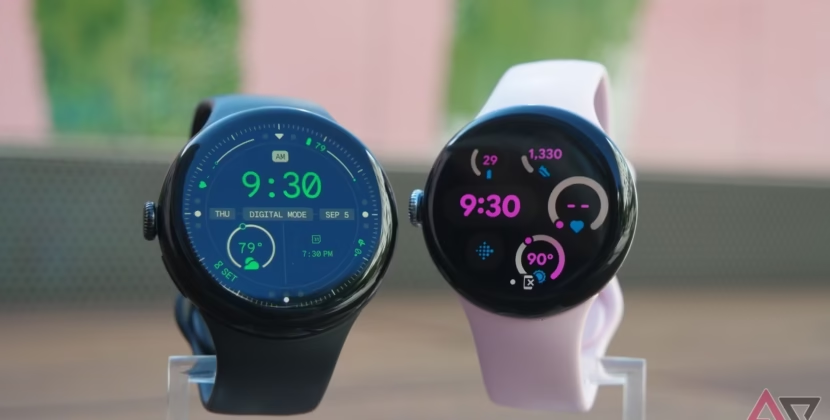





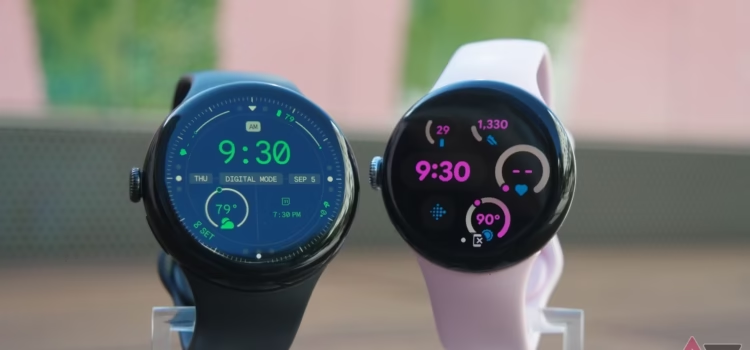
Gemini is now on Wear OS watches. Here’s how Google’s AI assistant can help you every day.
Starting today, Gemini, your personal AI assistant from Google, is rolling out to Pixel, Samsung, OPPO, OnePlus, and Xiaomi wearables.
With the same advanced AI that powers Gemini on your phone, you can now get a smart, reliable assistant on your wrist. It gives you a natural and easy way to manage tasks and find information, all without reaching for your phone.
To use Gemini, just say “Hey Google,” press and hold your watch’s side button, or tap the Gemini app icon on your watch screen.
Speak naturally to get fast answers from Gemini on Wear OS. Just talk, glance, and get what you need. Try things like: Ask how long I should let my curry simmer, or do I need an umbrella today? Or where’s the coffee place? Or where’s the coffee place Emily emailed me about?
Manage your day with help from Gebinet and your favorite apps. Your watch can now perform tasks that used to require several steps on your phone. Gemini works with your apps to do these things quickly. Here are some ways to use it:
– When running or biking, say “send a message to my manager apologizing for running late.”
– Ask “Create a list for a ten-minute mile run.”
– For a meeting, catch up on messages by asking, “Summarize my last email from Emily.”
– Planning a trip on the go: if you hear about anyone you want to join, add it to your calendar by saying, “Add my son’s next five cricket games to my calendar.”
– On the move: if you need to leave soon for an appointment, say, “What’s the address for my dentist appointment today? Navigate there.”
Gemini can use your Google services, like Gmail and Google Calendar, to use these features. Make sure they are enabled in the Gemini app settings on your phone and that you have given the needed permissions.
Easily Remember Important Details.
Ask Gemini to remember what’s important so you can quickly save and find information whenever you need it. Here’s how you can use this feature:
- Remember details by telling Gemini simple things like remember I am using Locker 43 today or remember I parked on level 4 spot 27.
- Get reminders when you need them: if you are planning to cook dinner tonight, ask Gemini to remind you to go grocery shopping after work.
Give It a Try Today.
Gemini is rolling out to Wear OS watches running Wear OS 4 or newer over the next few weeks. Upgrading to Wear OS 6 will also support your watch brand’s apps, so you can continue using the ones you rely on every day.