






CUPERTINO, California
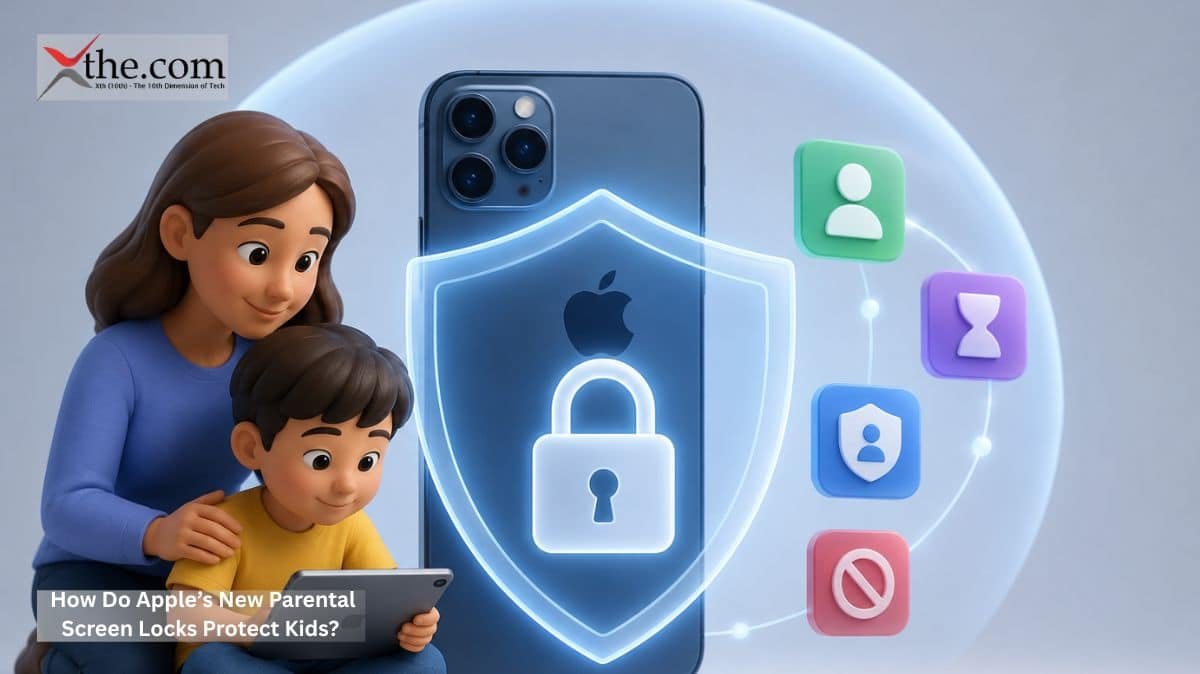
Picture a parent handing their ten-year-old a device in 2026 and feeling confident that the device itself will help set boundaries. Not because a third-party app bolted as an afterthought, but because the operating system — at its deepest level — was designed with that child in mind. That scenario just became considerably more real. Apple previews new child safety features coming this fall with iOS 27, iPadOS 27, and macOS 27. These updates give parents real, system-level control over what their kids see, who they talk to, and how long they spend online.
This announcement, a major highlight of WWDC26, changes what people can expect from a device maker. Safety is no longer hidden deep in the settings. Now, it is built by default.
Apple Previews New Child Safety Features Built Into the OS
The update focuses on four main features: an easier Child Account setup with suggested essential apps, Ask to Browse, Time Allowances, and a new Screen Time dashboard. These features work together, so the restrictions support each other rather than working against each other.
The Child Account is the starting point. It is required for kids under 13 and can be used for anyone up to 18. This account turns on protections based on the child’s age, such as blocking adult websites, allowing only age-appropriate media, and setting age limits in the App Store. Importantly, parents are guided through this setup when they first set up a device for their child, which helps prevent them from skipping it due to confusion or stress.
Ask to Browse: Safari Gets a Gatekeeper
Ask to Browse might be the most important new tool. Apple already uses the “Ask to Buy” system for App Store downloads, where kids need a parent’s approval before downloading anything. Now, Ask to Browse brings this idea to Safari. Kids must send an approval request to their parents’ devices before visiting a new website. This feature works on iPhone, iPad, and Mac.
Think about how this works in real life. If a child is doing homework on a MacBook and finds a new website, they cannot go there right away. Instead, the device sends a push notification to the parent’s iPhone. The parent can approve or deny access with one tap. This process takes only a few seconds and keeps parents involved without requiring them to watch over their child’s shoulder. Having these parental controls built into the browser, instead of using a third-party filter, is a big step forward.
Communication Safety: Blocking Harmful Media at the System Level
Communication Safety already blurs nudity found in Messages and FaceTime calls, and it is on by default for anyone under 18. The new update also blocks violent or gory content in shared images or videos.
Here, on-device machine learning plays a key role. Apple’s SensitiveContentAnalysis scans incoming media right on the device, so images never leave the phone for analysis elsewhere. There is no cloud database involved, and no third party sees the child’s messages. Scanning, detection, and blurring all occur on the phone’s chip. This setup is important for families who care about privacy and for regulators who worry about sending sensitive data to outside servers.
Parents can also set kids to ask for approval before connecting with anyone new via Messages, FaceTime, or Phone. This is a big help for parents concerned about strangers or bullying.
Time Allowances and the Redesigned Screen Time Dashboard
WWDC26 highlights included a complete overhaul of Screen Time, the tool that has long been Apple’s primary interface for parental controls, but which many families found confusing and easy for determined teenagers to circumvent. The redesigned experience introduces Time Allowances, which lets caregivers set maximum daily limits for entire application categories — such as Social Media, Games, and Entertainment — rather than micromanaging individual apps.
Parents can set daily schedules to control which apps their kids can use at different times of day and throughout the week. This helps children stay focused during school hours. The new dashboard lets parents quickly see average device use and most-used apps, and they can make changes instantly with one tap. For example, a parent can pause device access right from their phone during a family dinner.
Developer APIs: Closing the Third-Party Loophole
A more technical part of the announcement deals with apps that Apple does not make. The new Safety APIs let parental controls work in third-party apps too. Developers can use these tools to determine a child’s age range and adjust the app’s content without needing to know the child’s exact birth date. This protects privacy even as it makes apps safer for kids.
In real use, an app can turn off mature features, simplify its interface, or limit messaging when it knows a child is using it. Parents do not have to set up each app individually, which solves a common problem. Apple also launched Permission Kit, which requires parental approval before a child connects with any new contact inside a third-party app. The digital experiences children have on games, and social platforms are similar to those on the rest of the device.
The Privacy Constraint That Determines Everything
It is important to say what Apple did not do. The company did not create a surveillance system. No content is sent to Apple, and no profiles are made from a child’s browsing or messaging patterns. The Apple preview of new child safety features, iPhone parental controls announcement was constructed around a non-negotiable constraint: device encryption stays intact, and on-device processing handles the sensitive analysis.
Apple is teaming up with the American Academy of Pediatrics to turn its Family Media Plan into a guide for parents using Apple products. This partnership shows Apple’s goal: these are not monitoring tools. They are parenting tools, based on clinical research and built into the system.
What This Demands From the Rest of the Industry
When a company with over a billion active devices sets a new standard for child safety, it does more than just update its products. It changes what people expect from the market as a whole. Parents who use features like Ask to Browse, on-device content checks, and age-based Time Allowances will want the same from other platforms. Competing companies will have to equal these features or risk their reputation.
The digital experiences of the next generation will not just depend on the apps developers create. They will also be formed by the safety features built into devices. Apple’s June 8 announcement makes this clear. The industry and regulators from Washington to Brussels are paying attention.