






Redmond, Washington
Your inbox contains 340 unread messages. Three calendar appointments overlap with a board presentation you still need to start. A vendor contract is lost in a SharePoint folder you last opened eight months ago. You spend forty minutes searching for it. This isn’t just a productivity issue. It’s a deeper problem with how enterprise software has always worked: it reacts to you instead of anticipating your needs.
Microsoft just changed that equation.
The Microsoft Work IQ Tool Is Not Another Chatbot
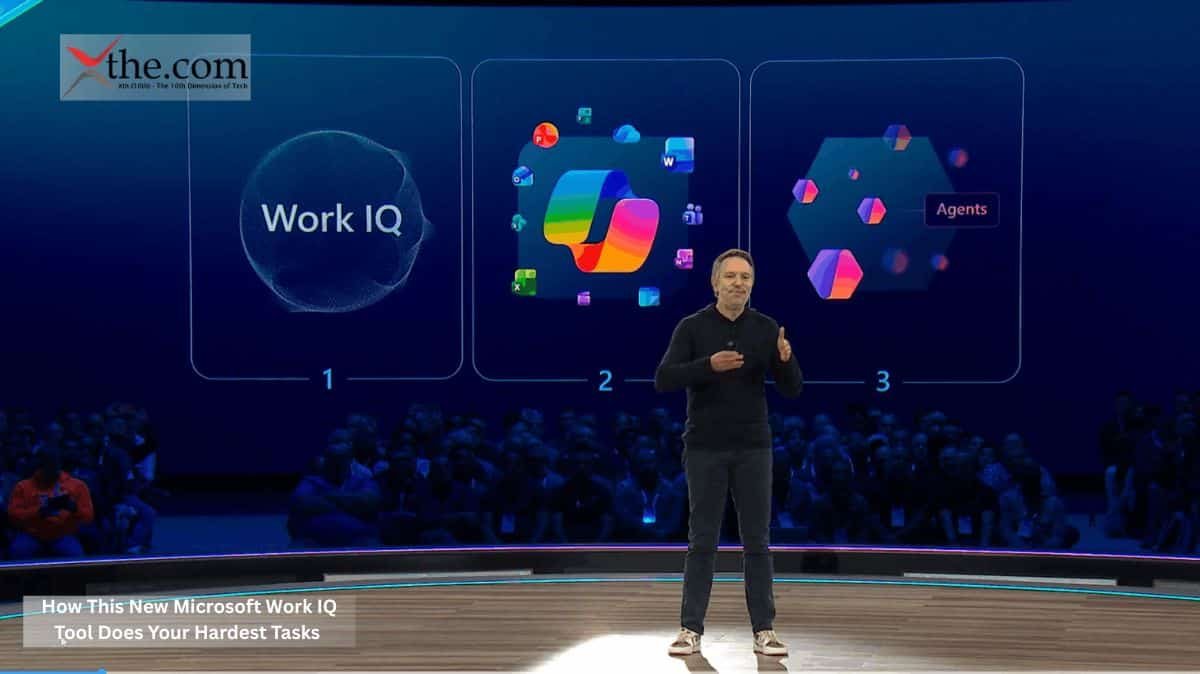
Released last month with new developer documentation, the Microsoft Work IQ Tool works on a different level than anything Microsoft has offered before. It’s not a chatbot you interact with. Instead, it acts as an intelligence layer: a real-time reasoning engine built into Microsoft 365 Context that constantly creates and updates a living map of your organization’s activity.
It’s better to see it as institutional memory that can also take action, rather than just another feature.
The engine gathers information from across Microsoft 365, including meeting schedules, email threads, shared files, document changes, and even details about who works together and how often. Using this data, it builds what Microsoft calls a “contextual activity graph,” which is a dynamic picture of how work really happens, not just how org charts or project coordination tools show it.
How Work IQ APIs Connect External Tools to Live Organizational Data
The most important part of this launch isn’t the engine itself. It’s the Work IQ APIs, tools for developers that let external applications access and use the contextual graph.
In the past, enterprise automation has often been fragile. For example, a script that files expense reports may work until someone renames a folder, changes an approval process, or adds a new signatory. When that happens, the automation fails, and someone has to fix it. This cycle has wasted a lot of companies’ time.
Work IQ APIs break that pattern through Semantic Indexing, which means the system understands the meaning of files, emails, and calendar events rather than just their location or label. An external scheduling tool, for instance, can ask the API not simply “when is Sarah free?” but “when is Sarah free and not in a strategic planning window, given that her team has a product review cycle that ends Friday?” The API returns an answer grounded in a real organizational context, not just raw calendar availability.
Semantic Indexing: Why It Matters More Than Search
Standard enterprise search relies on keywords. If you type “Q3 vendor contract,” the system shows every document with those words, usually sorted by how recent they are. Semantic Indexing in the Microsoft Work IQ Tool works differently. It reads documents for their main ideas and maps how they relate to each other, such as linking a contract to the preceding email conversation, the procurement officer who approved it, and the renewal date hidden in paragraph nine of an attachment.
This understanding of relationships lets Automated Workflows go beyond simple, one-step actions. For example, an agent using Work IQ APIs could track when a contract is about to expire, draft a renewal memo in the original author’s style, send it to the appropriate approver based on the current organization, and schedule a follow-up meeting. All of this can happen without a person giving detailed instructions for each step.
Microsoft’s documentation refers to these as “compound task sequences.” They are a major shift away from traditional robotic process automation.
Automated Workflows and the Shift to Self-Directed Systems
Executives and operations leaders should pay close attention to what Automated Workflows can mean for their organizations. For example, an accounts payable team at a mid-size company handles hundreds of invoices each month. Each invoice needs to be matched with a purchase order, delivery confirmed, sent to the budget owner, and recorded. Mistakes can happen at any step.
An agent using Work IQ APIs and Microsoft 365 Context, such as purchase orders, delivery confirmations from emails, and budget data from org charts, could handle this process with little human help. It would only flag exceptions that don’t fit the usual rules.
This is not hypothetical. Microsoft’s developer documentation includes reference implementations for exactly this class of workflow.
The Microsoft Work IQ API Enterprise Integration and Data Security Configuration Guide: What Organizations Must Address
Any real discussion of this system must address the concerns covered in the Microsoft Work IQ API enterprise integration and data security configuration guide. When an intelligence engine can always read emails, files, and calendars across an organization, a misconfiguration can have serious consequences.
The documentation describes detailed permission controls. This means an outside application using Work IQ APIs can be limited to certain users, data types, or time periods. Data residency controls match Microsoft 365’s existing compliance settings, and all API activity is tracked in the same audit records that compliance teams already use.
The security design is solid. However, it’s up to each organization to set it up correctly. Success depends on thorough implementation, not just the platform itself.
What This Means for the People Doing the Work
The Microsoft Work IQ Tool doesn’t take away jobs. Instead, it removes the hardest tasks that feel like work but don’t require real thinking, such as searching through calendars, hunting for documents, and sorting emails. These activities take up about forty percent of a knowledge worker’s day, according to a 2023 McKinsey Global Institute analysis.
This raises a new question: when routine office work takes less time, what will organizations expect of employees with more time? The answer will shape the future of enterprise productivity, and Microsoft has shown with this new system that it wants to lead that change.
The infrastructure is already running. The Work IQ APIs are fully documented and ready to use. Organizations that start using Microsoft 365 Context connection early won’t just automate faster they’ll gain a growing advantage over those still searching for contracts within forgotten folders.
Source: Announcing the new Work IQ APIs