






Santa Clara, California
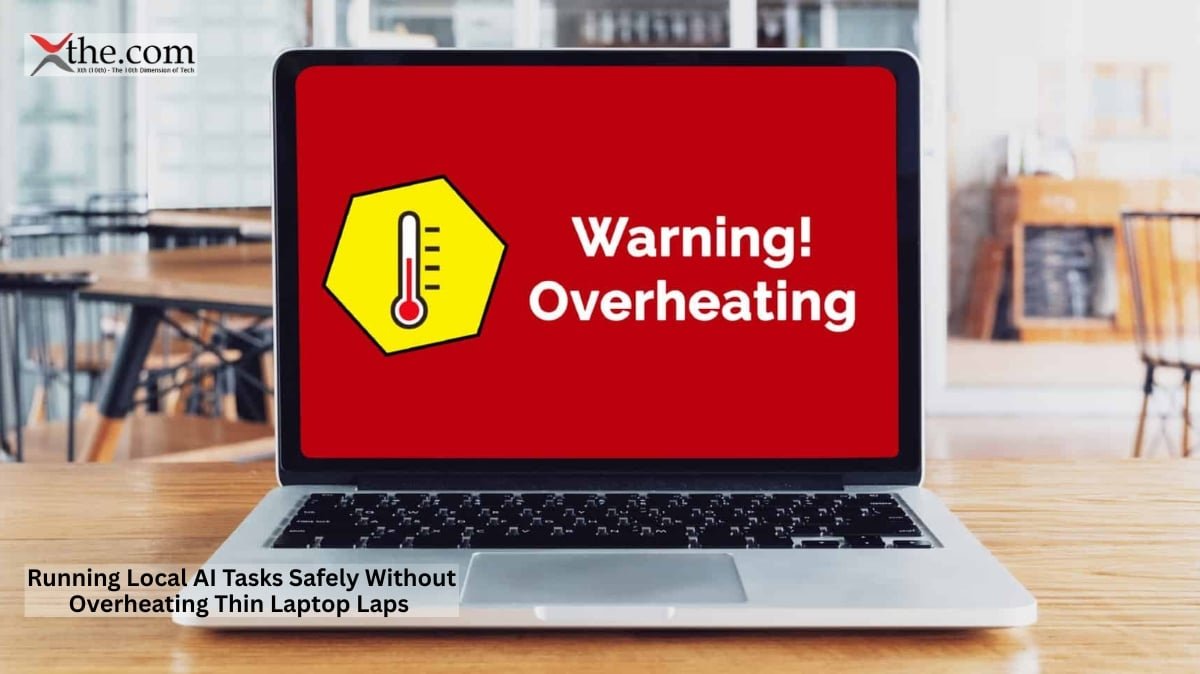
When your laptop starts to feel like a heating pad during a flight, it is not just annoying—it can hurt your productivity. Many professionals, from sales executives to consultants and analysts, now depend on AI-powered tools throughout the day. But these helpful features can also make laptops run hot, drain the battery faster, and cause noisy fans to kick in.
Instead of just adding bigger batteries or faster fans, the industry is turning to smarter processors.
A new generation of processors is changing how Local AI Tasks run on modern notebooks, particularly those designed for Thin Laptop Laps. Instead of pushing every AI workload through the CPU or GPU, manufacturers now route persistent background intelligence to dedicated Neural Processing Units, or NPUs. The result is a machine that stays cooler, quieter, and more comfortable through extended use.
Why Heat Has Become the New Laptop Battleground
Laptop marketing used to focus mostly on performance—things like clock speeds, number of cores, and benchmark scores. Now, keeping laptops cool is just as important.
Most mobile professionals spend hours working in places like conference rooms, airport lounges, hotel lobbies, and crowded trains. In these settings, a hot laptop is hard to ignore. If the surface temperature goes above 40°C, it can be uncomfortable to keep it on your lap, and loud fans can be distracting.
This problem has worsened as more AI features run directly on our devices rather than in the cloud. Tasks such as real-time transcription, smart search, document summaries, image enhancements, and workflow automation all require continuous processing. If these run only on traditional computer components, they consume more power and generate more heat.
That is where NPU Processing Offload enters the conversation.
How NPU Processing Offload Changes Thermal Performance
Traditional laptops send most tasks to the CPU and GPU. These parts are good for performance, but they consume much more power when running continuous AI tasks.
An NPU works differently. It is designed to handle neural network tasks using much less energy.
Think about a typical work meeting. During a two-hour client call, a laptop might transcribe speech, recognize speakers, create summaries, and keep track of context for follow-ups. On older laptops, these tasks can make the processor work hard enough to turn on the cooling fans again and again.
With NPU Processing Offload, these background tasks run on special AI hardware. This leaves the CPU free for other work and keeps the laptop much cooler.
Tests on new mobile platforms show that using NPUs for AI tasks significantly reduces power consumption. Instead of using a lot of CPU power, many ongoing AI tasks require only a small amount of CPU when handled by an NPU.
Using less power means less heat, and less heat means you do not need as much cooling.
This connection is simple, but it is becoming more important.
Intel Lunar Lake Efficiency Signals a New Direction
One recent example of this change is Intel’s Lunar Lake Efficiency processors.
Intel has redesigned important parts of its mobile platform to focus on power-efficient AI tasks. Instead of seeing AI as something used only sometimes, Lunar Lake is built for AI to run all day long.
This design approach is important because many AI apps run continuously. They watch for user context, review documents, handle notifications, and boost productivity in the background.
Intel Lunar Lake Efficiency is not only about battery life. It also affects how hot the laptop gets and how much noise it makes.
Tests show that laptops with advanced NPUs stay much cooler during AI-powered work sessions than those that rely mostly on the CPU. This difference is especially clear during long meetings, travel, or all-day conferences.
Understanding Copilot+ Thermal Benchmarks
The rise of AI-focused laptops has brought new ways to measure their performance.
In the past, reviewers mostly looked at CPU and GPU tests. Now, Copilot+ Thermal Benchmarks are more important because they show how laptops handle real AI tasks, not just short bursts of speed.
These benchmarks typically examine factors such as:
- Sustained chassis temperatures
- Fan activation frequency
- Acoustic output during AI workloads
- Battery effectiveness during continuous AI processing
- User ease during prolonged usage
The results show a clear pattern: laptops that use NPUs for AI tasks stay cooler and quieter than those that use only traditional computer parts.
For users, this implies fewer interruptions and a more comfortable work experience.
The Rise of the Whisper Quiet Fan
Noise is still one of the least-talked-about aspects of using laptops on the go.
Many professionals think fan noise is just part of using a laptop. But when fans are turned on often, they can be distracting during meetings, video calls, and in communal areas.
The new Whisper Quiet Fan is possible because of NPUs. When AI tasks move away from the power-hungry CPU, the cooling system does not have to work as hard to handle heat.
Picture an executive going over financial reports while an AI assistant sorts emails, organizes documents, and prepares meeting notes in the background. On older laptops, the fan might get loud every few minutes.
On laptops built with NPUs, the Whisper Quiet Fan often stays off or runs very slowly because the laptop does not get too hot.
The benefit is not just comfort. Quieter laptops help people focus better and look more professional at work.
Examining Intel Lunar Lake Core Ultra Processing Performance Thermal Benchmarks
The strongest evidence comes from emerging Intel Lunar Lake core ultra-processing efficiency and thermal benchmarks, which demonstrate how specialized AI hardware influences overall system operation.
These tests look at how laptops handle long periods of work, not just short tests. They measure things like AI transcription, smart search, and productivity help running simultaneously for hours.
The results consistently show reduced heat buildup, longer battery life, and lower noise.
For people on the go, these results are more important than just high benchmark scores. A laptop that stays cool for a six-hour workday is more valuable than one that only performs well for a few minutes before overheating.
Thermal Comfort Is Becoming a Competitive Advantage
Now, comfort is becoming a bigger factor in people’s laptop choices.
People still want laptops that perform well, but they also expect them to stay cool, quiet, and efficient when running advanced AI tasks.
As more companies use on-device AI, being able to run Local AI Tasks well will set top laptops apart from the rest. People are starting to care more about the whole user experience, not just processor speed.
The future of thin laptops may depend less on raw power and more on how smartly that power is used. Dedicated NPUs are the first big step in this change. As processors continue to evolve, factors like thermal efficiency and quiet operation will likely become key factors people use to judge laptop quality for years to come.
Source: Intel Newsroom