





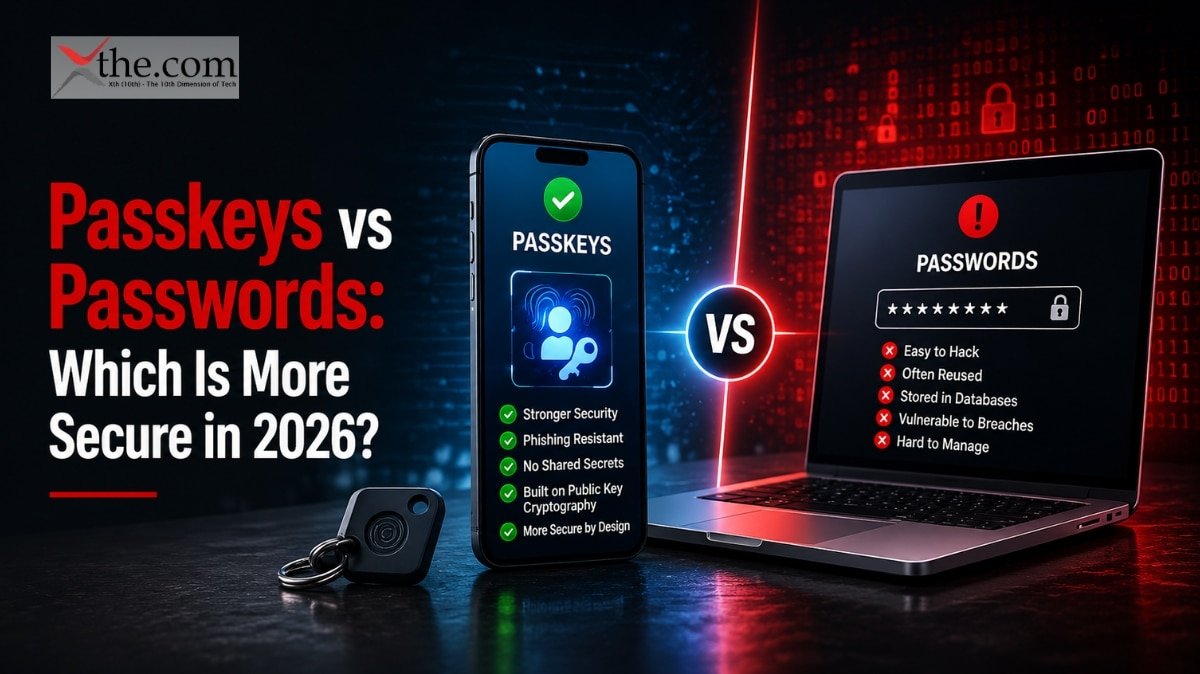
You have probably noticed the prompt by now. Google, Apple, Amazon, your bank — they are all asking you to set up a passkey. Some accounts have already stopped asking for passwords entirely. If you have been dismissing these prompts without knowing what you are agreeing to or skipping, this is the article that explains what is actually different and whether it matters for your accounts.
The short answer: in the passkeys vs passwords debate, passkeys are more secure in almost every measurable way. The longer answer involves understanding why, where passwords still have the edge, and what the transition looks like for the average person managing dozens of accounts across devices they do not fully control.
Here is the full picture.
What a Password Actually Is — and Why It Keeps Failing
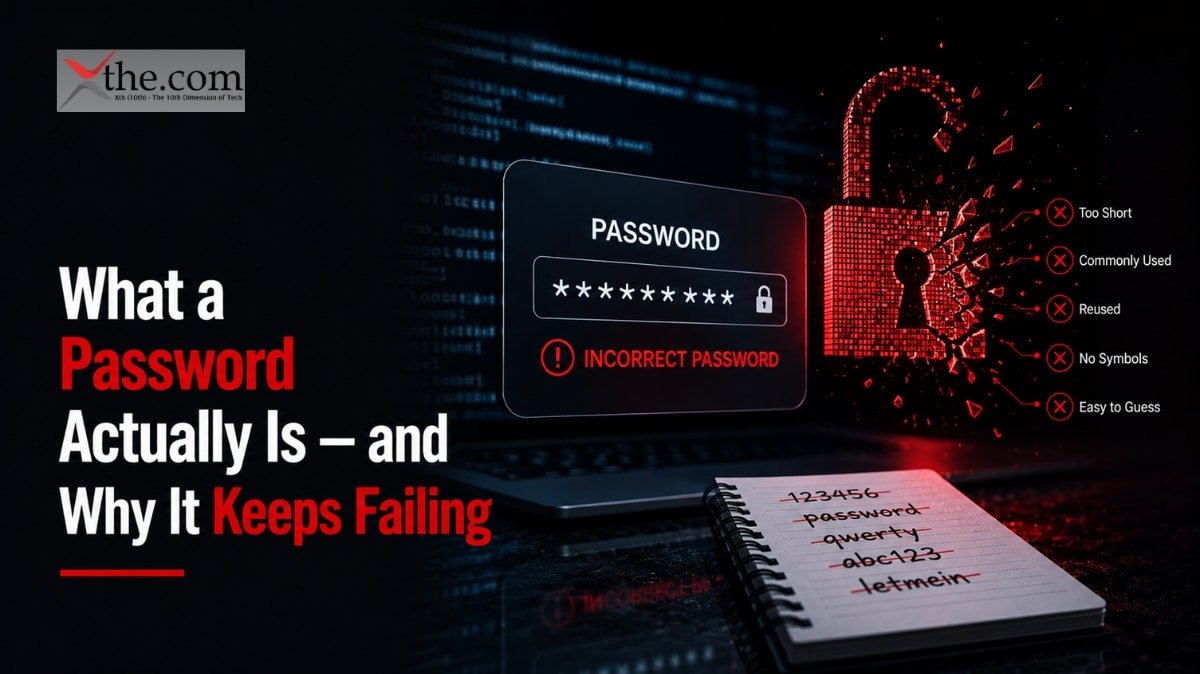
A password is a shared secret. You know it, and the website knows it. When you log in, you send the website your secret, it checks it against what it has stored, and if they match, you are in.
That model has one structural problem that no amount of complexity requirements, mandatory resets, or two-factor codes has solved: the secret exists in two places. Your memory — or your password manager — and the website’s database. When that database gets breached, your secret is exposed. When a phishing site tricks you into typing it, your secret is gone. When someone watches you type it over your shoulder or on a public camera, it is compromised without you knowing.
The average person now manages roughly 250 passwords — a number that has doubled in the past five years. That growth has made the fundamental problem worse, not better. More passwords means more reuse, weaker choices, and more exposure across more sites.
A third of consumers experienced a compromise or breach notification in the past year — and that is only the cases people found out about. Password breaches are often discovered months or years after the fact.
What a Passkey Actually Is — Without the Jargon
A passkey is a cryptographic key pair. When you create a passkey for a website, your device generates two mathematically linked keys: a public key that the website stores, and a private key that never leaves your device.
When you log in, the website sends a challenge. Your device uses your private key to sign it and sends back the signature. The website verifies the signature with the public key it already has. You are authenticated — without ever sending a password, without the website storing a secret that could be stolen, and without anything leaving your device that an attacker could use.
The practical experience is simpler than the explanation. You tap a button, use your fingerprint or Face ID to confirm it is you, and you are in. No typing. No remembering. No two-factor code to wait for.
The average passkey sign-in finishes in 8.5 seconds versus 31.2 seconds for the password-plus-code routine most people still use. That speed difference is real, and it adds up across dozens of logins every week.
Passkeys vs Passwords: The Direct Comparison
| Passkeys | Passwords | |
| Phishing resistant | Yes — by design | No |
| Can be stolen in a breach | No — private key never leaves device | Yes — if database is breached |
| Can be reused across sites | No — unique per site | Often yes |
| Login speed | ~8.5 seconds | ~31 seconds with MFA |
| Login success rate | 93–98% | 32–63% |
| Works on legacy systems | No | Yes |
| Recovery if device is lost | Via backup device or recovery code | Password reset email |
| Requires remembering something | No | Yes |
The security advantage is not marginal. It is structural. Passwords can be phished, reused, guessed, leaked, or cracked. A passkey cannot be phished because there is nothing to steal — the private key never travels over the network. It cannot be reused because each passkey is mathematically tied to one specific site. It cannot be cracked from a server breach because the server only holds the public key, which is useless to an attacker without the private key on your device.
The Real-World Numbers Behind Passkeys in 2026
Passkeys have moved well past the experimental stage. The adoption data from 2026 is specific.
The FIDO Alliance counts 5 billion passkeys in active use as of 2026.
Consumer awareness has climbed to 90% — up from 75% in 2025 — with only 7% of respondents saying they are not familiar with passkeys at all. Seventy-five percent of users have enabled a passkey on at least one account.
Amazon reported 465 million customers now using passkeys, with passkey sign-in roughly six times faster than traditional password login.
Microsoft’s 2024 passkey rollout data showed passkey users signing in eight times faster than those using passwords with MFA, with a 98% success rate compared to 32% for passwords.
Organizations deploying passkeys report an average 73% reduction in sign-in time and 81% reduction in login-related support tickets.
Companies that have completed passwordless adoption report a 91.6% drop in security incidents and 57.3% fewer help desk calls.
These numbers are not projections. They are reported outcomes from live deployments at scale.
Google Passkeys — How They Work and Why They Matter
Google’s passkey implementation is the one most US users will encounter first, because Google accounts touch so many other services. Understanding it is worth the three minutes it takes.
When you set up a passkey on your Google account, the private key is stored in your device’s secure hardware — the Titan chip on Pixel phones, the Secure Enclave on iPhones, the TPM on Windows laptops. It is not accessible to apps, not accessible to Google, and not transmitted over any network.
When you sign in, Google sends a challenge to your device. Your biometric — fingerprint or face — unlocks the secure hardware, which signs the challenge. Google verifies the signature. Done.
What makes Google’s implementation particularly important is scale and cross-device sync. If you use Chrome and have Google Password Manager enabled, your passkeys sync across your signed-in devices through end-to-end encrypted storage. Log into a new phone and your passkeys come with you. This solved the single biggest practical complaint about passkeys: what happens when you get a new device.
Google also supports cross-device authentication — if you need to log in on a computer that does not have your passkey, you can use your phone to authenticate by scanning a QR code. The private key still never leaves your phone.
I Still Use Passwords. Do I Need to Switch Right Now?
Not immediately — but the case for switching where you can is strong, and the practical barriers are lower than most people expect.
Here is the honest situation: 93% of users still type passwords every day in 2026, and most legacy systems, government portals, and smaller services have not added passkey support yet. Passwords are not disappearing this year. You will be managing both for the foreseeable future.
What you can do right now:
Enable passkeys on the accounts that support them and are highest value targets. Google, Apple ID, Microsoft account, Amazon, PayPal, GitHub — these are accounts where a breach causes significant damage. All of them support passkeys. Setting one up takes under two minutes per account and immediately eliminates phishing risk for that account.
Keep using a password manager for everything else. A password manager with strong, unique passwords per site is still meaningfully better than reusing passwords or using weak ones. The manager handles the memory problem; the unique passwords handle the breach problem.
Do not disable two-factor authentication while transitioning. If an account does not support passkeys yet, two-factor authentication is still your best available protection. The risk with passkeys is not that they are weaker — it is that accounts without passkeys are still vulnerable, and removing 2FA from those accounts in the meantime creates exposure.
Where Passwords Still Win
Being honest about where passwords have the practical edge matters, because the complete picture is more useful than a one-sided comparison.
Universal compatibility. Every device, browser, and system on earth accepts a password. Passkeys require hardware support, OS integration, and a service that has implemented the standard. That combination exists on most modern consumer hardware but is far from universal.
Shared account access. If you share login credentials with a family member or colleague — a streaming service, a shared work tool, a household account — passwords make that straightforward. Passkeys are tied to individual devices and biometrics. Sharing access requires additional setup.
Legacy system access. Corporate VPNs, older enterprise software, government portals, and utility company logins are often running authentication systems that are years or decades old. Passwords are what they accept. That is not changing quickly.
Recovery simplicity. Forgetting a password is annoying but recoverable — reset link to your email, new password set, done. Losing access to all devices associated with a passkey is more complicated, though the major platforms have improved recovery options significantly in 2025 and 2026.
What Happens If You Lose Your Phone — The Passkey Recovery Question
This is the question most people ask before switching, and it deserves a direct answer.
Modern passkey implementations have addressed device loss with three mechanisms that work together.
Cloud sync. Apple syncs passkeys via iCloud Keychain, encrypted end-to-end. Google syncs via Google Password Manager with the same encryption model. If you lose your iPhone but have another Apple device, your passkeys are already there. If you lose your Android but log into a new one with your Google account, your passkeys sync over.
Backup device. You can register a passkey on more than one device. If you have both a phone and a laptop set up with passkeys for an account, losing one device does not lock you out — you still have the other.
Recovery codes. Most major services that support passkeys also provide one-time recovery codes when you set them up. These are the equivalent of a spare key — store them somewhere offline and physically secure, and you have a fallback that does not depend on any device.
The scenario where passkeys become a problem is someone who has set up passkeys on a single device, has no backup device registered, discards their recovery codes, and loses or destroys that device. That is a real but avoidable situation. The fix is registering passkeys on at least two devices.
Passwordless Login — What It Means When a Service Goes Fully Passwordless
Passwordless login means the service has removed the password option entirely, not just offered passkeys as an alternative. Microsoft began doing this for personal accounts in 2025. Google is pushing consumer accounts in the same direction.
The distinction matters because many services are currently in a hybrid state — they support passkeys but still allow passwords as a fallback. That hybrid state preserves the password vulnerability because attackers can attempt to social-engineer a password reset on an account that technically has a passkey set up.
True passwordless eliminates that attack surface. There is no password to reset, no SMS code to intercept with a SIM swap, no security question to guess. The only way in is through an authorized device, authenticated with your biometric.
Currently 87% of organizations still use passwords for customer-facing authentication, while only 2% believe passwords adequately balance security and user experience. That gap between what organizations know and what they have actually changed is where the transition is happening now.
Passkey Security for Businesses — What the Enterprise Numbers Show
For anyone managing security for a team or organization, the business case for passkeys has shifted from security argument to financial argument.
Deploying organizations see an average 81% reduction in login-related support tickets — that is a measurable IT cost reduction that shows up in budget lines, not just security posture.
Among organizations that have rolled out passkeys, reported benefits include improved security confidence at 47%, faster logins at 45%, better employee satisfaction with IT at 43%, fewer password-reset tickets at 35%, and reduced phishing incidents at 32%.
The 91.6% drop in security incidents after passwordless adoption addresses the most expensive category of IT cost — breach response, legal liability, customer notification, and remediation. For most organizations, a single avoided breach covers the cost of passkey deployment many times over.
68% of organizations are now deploying, piloting, or rolling out passkeys for employee authentication. The holdouts are primarily dealing with legacy system compatibility, not skepticism about whether passkeys work.
Frequently Asked Questions
1. Are passkeys actually safer than passwords with two-factor authentication?
Yes, in most real-world attack scenarios. Two-factor authentication significantly improves password security but does not eliminate phishing risk — attackers can capture both the password and the 2FA code in real time using adversary-in-the-middle attacks. Passkeys are phishing-resistant by design because the private key never leaves your device and the authentication is cryptographically bound to the specific legitimate website. A fake site cannot capture anything useful.
2. What if a website I use does not support passkeys yet?
Use a strong, unique password stored in a password manager, with two-factor authentication enabled if the site supports it. Do not disable existing security measures while waiting for passkey support to arrive. Check the FIDO Alliance’s passkey directory at passkeys.directory for an updated list of sites that currently support them.
3. Can someone use my passkey if they steal my phone?
Not without your biometric or PIN. The passkey itself is stored in the device’s secure hardware and requires authentication — fingerprint, face, or device PIN — before it can be used. A stolen locked phone does not give an attacker access to your accounts. This is meaningfully different from a stolen password, which gives immediate access without any hardware required.
4. Do passkeys work across different operating systems?
Cross-platform passkey use has improved significantly in 2025 and 2026 through the FIDO Alliance’s credential exchange protocol. Apple, Google, and Microsoft passkey ecosystems now support cross-device authentication where you use one device to authenticate on another. Full interoperability — moving a passkey from an Apple device to a Google device seamlessly — is still maturing but closer than it was a year ago.
5. Should I delete my passwords after setting up passkeys?
Not yet, and not for accounts where passkeys are an alternative rather than the only option. The risk is that if something goes wrong with your passkey access and the service still allows password login as a fallback, an attacker could use the password route. The cleaner solution is a long, complex, unique password stored in your password manager that you never type — effectively a dead credential that is technically still there but unusable in practice.
The Bottom Line
Passkeys win decisively on security and speed. They are phishing-resistant by design, cannot be reused across sites, and cannot be stolen in a server breach the way a password hash can. The numbers from Microsoft, Google, Amazon, and the FIDO Alliance all point in the same direction.
Passwords win on one thing only: they work everywhere, with everything, right now. That universality is real and it matters for the long tail of accounts that have not caught up to passkey support.
The practical strategy for 2026 is not choosing one or the other — it is using passkeys on every account that supports them, starting with the accounts where a breach would do the most damage, and keeping a password manager with strong unique passwords for everything else. That combination gives you the security benefits of passkeys where they are available and the best available protection where they are not.
Consumer awareness has hit 90% and the adoption data shows that when passkeys are offered, users adopt them. The transition is happening — not as a single event but as an account-by-account migration that will play out over the next several years. Getting ahead of it on the accounts that matter most is the move that makes the most sense right now.