




ChatGPT Now Lets You Lock Sensitive Chats With a PIN or Face ID
OpenAI began rolling out ChatGPT locked chats on Tuesday, October 20, 2026, giving users a way to seal selected conversations behind a four-digit PIN or a biometric check so nobody glancing at a shared screen can open them. The feature is live for every mainstream plan, from Free to Enterprise, and it moves locked conversations out of history, search and pinned tabs into a protected section. Here is exactly how it works, what it genuinely protects, and the limits worth knowing before you rely on it.
Key Takeaways:
- – Locked Chats started rolling out October 20, 2026 on ChatGPT Free, Go, Plus, Pro, Business, Enterprise and Edu plans; it is not available on ChatGPT for Healthcare.
- – Users unlock with a four-digit PIN or with Face ID and Touch ID on supported devices.
- – Locked chats are removed from regular history, pinned lists and search results, and get their own separate memory that cannot leak new details into regular chats.
- – Locking is not end-to-end encryption: retention, pre-existing memory and the Improve the model for everyone setting are unchanged.
- – Resetting a forgotten PIN permanently deletes every locked chat and file that the old PIN protected.
How Locked Chats Actually Works
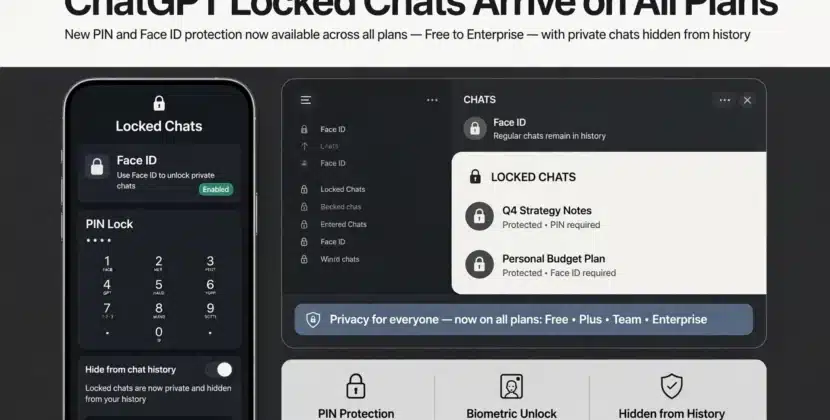
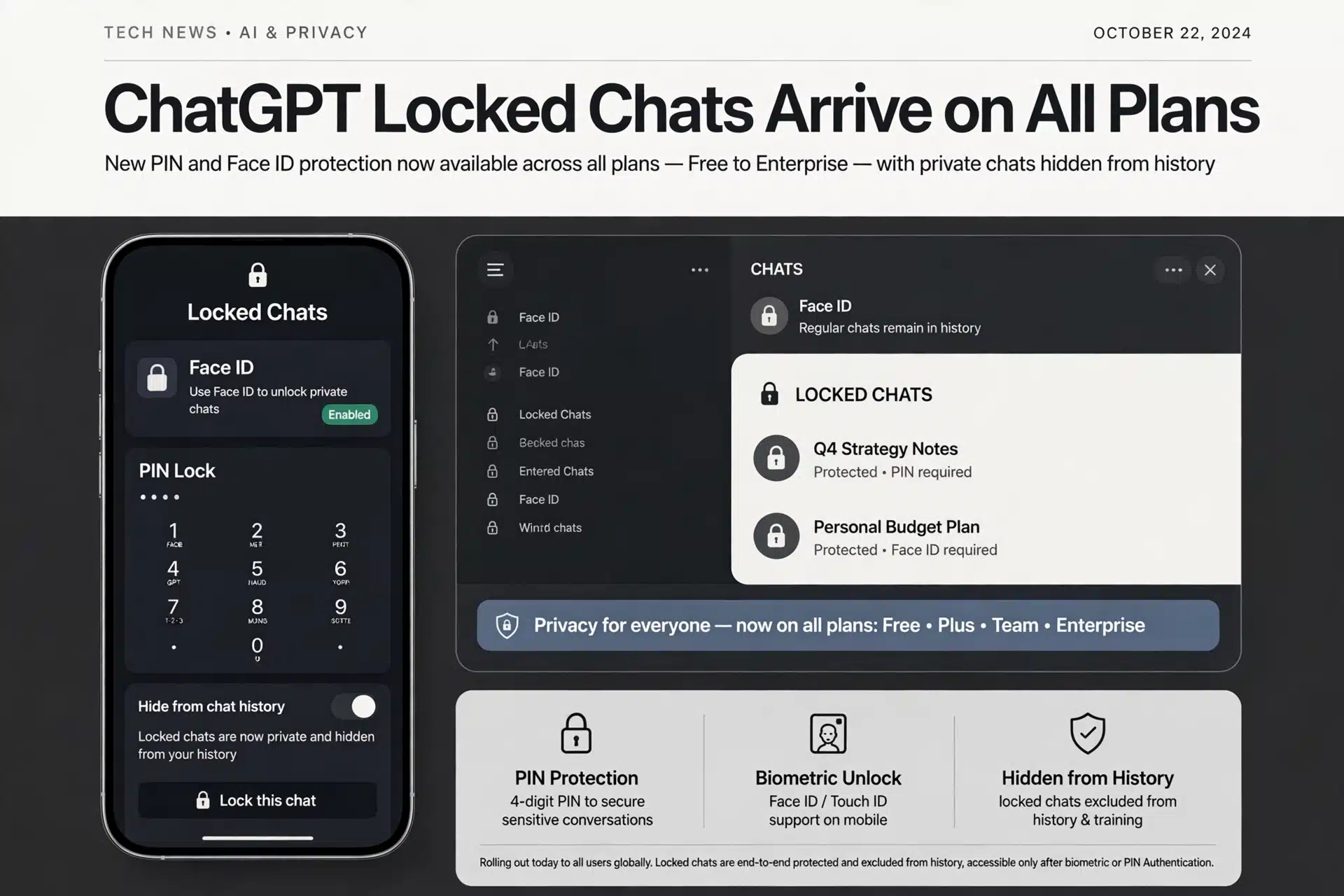
The mechanic is deliberately simple. In a conversation, the user taps to lock it, and the chat relocates to a dedicated Locked Chats section. Opening that section requires the PIN or a Face ID or Touch ID scan. TechCrunch, which received the announcement from OpenAI, describes the intended use case directly: people handing a device to a friend or family member to show something in another conversation, without exposing a therapy discussion, personal planning or anything else on screen. Unlike Temporary Chats, which are single sessions that never touch history, a locked chat is durable; users return to it whenever they unlock the section.
Memory handling is the subtle part. With Memory enabled, the Locked Chats section maintains its own memory shared among conversations inside it. New messages you send after locking can update that separate memory, but they do not update regular Memory. OpenAI framed that split as a privacy guardrail: details shared in a locked chat will not surface later in an unlocked session where someone else might ask about them.
What Locking Does Not Do
The limits matter as much as the feature. OpenAI states plainly that locking a chat does not create end-to-end encryption, does not open a separate encrypted vault, does not change how long the chat is retained, does not remove anything ChatGPT remembered before the lock, and does not alter the Improve the model for everyone setting. In plain terms: a locked chat keeps other humans using your device from reading it in history or search, but the content still sits in OpenAI systems subject to the same policies as any other conversation. AIWeekly’s review of the rollout makes the same distinction, calling it PIN privacy, not encryption.
There are also outright exclusions. Locked Chats is unavailable for temporary chats, archived chats, group chats, chats opened from a shared link, chats with scheduled tasks, and chats that contain meeting recordings. Anyone expecting to lock an entire workspace or a shared group thread will not be able to.
The Cost of a Forgotten PIN
The recovery story is strict, and it catches people who skim past OpenAI’s note. Resetting a PIN permanently deletes all locked chats, files and other content protected by that PIN. There is no reset-with-keepsake option, no backup copy, no support path to recover a locked conversation after a PIN reset, because a recoverable reset would defeat the feature’s purpose. That trade is ultimately user protection: if a friend, child or thief knows they could always talk support into recovering the section, the lock would not keep anything safe. If a conversation has real sentimental or legal value, its owner needs a PIN they will not forget, or a copy made before locking.
Why OpenAI Built This Now
The timing tracks two converging trends. First, ChatGPT is functioning less like a search engine and more like a confidant: users discuss health worries, tax questions, relationship issues and job searches in conversations they would never put in an email that screens onto a family iPad. Second, shared-device scenarios are common in US households, with kids, roommates and spouses overlapping on tablets and TVs. The feature announcement notes the exact moment OpenAI had in mind: handing the device over to show something else. A four-digit PIN solves that specific exposure, cheaply and instantly.
It also follows rival guardrails. WhatsApp’s chat locks, Apple’s Hidden album and every banking app bolting Face ID on its front door established the expectation that an app carrying sensitive data should be lockable at the surface, without needing any deeper encryption story. ChatGPT closed that gap this week.
How to Use the Feature Today
The rollout started Tuesday, October 20, and may not have reached every account at once. To lock a chat, update the ChatGPT app or reload the web app, open the conversation, use the chat-level menu and look for a lock option, then set or confirm the PIN (or use a biometric prompt on a supported device). Locked conversations appear under a Locked Chats section, where each opening requires a fresh unlock. To move a chat back, use the same chat menu and unlock it. If memory is enabled, note that anything remembered inside the section stays separate unless a chat is unlocked again.
Set yourself a reminder about the PIN itself. Locked chats cannot be searched, cannot be archived, and cannot be exported while locked, so the section becomes effectively uninterruptible storage. And since a reset destroys everything inside, write the PIN down somewhere safe outside your device, or anchor it to a biometric you only use on that device.
What Happens Next
Expect three moves from here. OpenAI will likely extend locking to more chat types now marked unsupported, because scheduled tasks and meeting recordings are exactly the features producing calendared or shared content worth locking. The company drew a clear line between PIN locking and encryption, which describes where it may go next: the roadmap question is not whether ChatGPT gets true end-to-end-encrypted chats, but which plan tiers pay for them. And competitors face the same user expectation faster now that OpenAI normalized the feature, so similar lockers landing in Gemini and Copilot within this product cycle is the safe bet. For US users, the practical takeaway this week is simple: if a conversation on your ChatGPT history deserves privacy from your household, locking it takes under a minute, and doing it before you hand the tablet over is the whole point.
Frequently Asked Questions
How do I lock a ChatGPT conversation?
Open the chat, use the chat menu, and choose the lock option, then set a four-digit PIN or use Face ID or Touch ID. Locked chats move to a Locked Chats section that requires the PIN or biometric each time you open it.
Does locking a ChatGPT chat encrypt it?
No. OpenAI states locking adds no end-to-end encryption, does not change retention, and does not remove anything from memory, though locked content does get a separate section and separate memory.
What happens if I forget my ChatGPT PIN?
Resetting a PIN permanently deletes all locked chats, files and content protected by the old PIN, so set a PIN you can recall or note it somewhere safe outside the device.
Sources:
- https://techcrunch.com/2026/10/20/chatgpt-now-lets-you-lock-your-chats/
- https://www.engadget.com/2292365/chatgpt-now-lets-you-lock-sensitive-chats-behind-a-pin/