



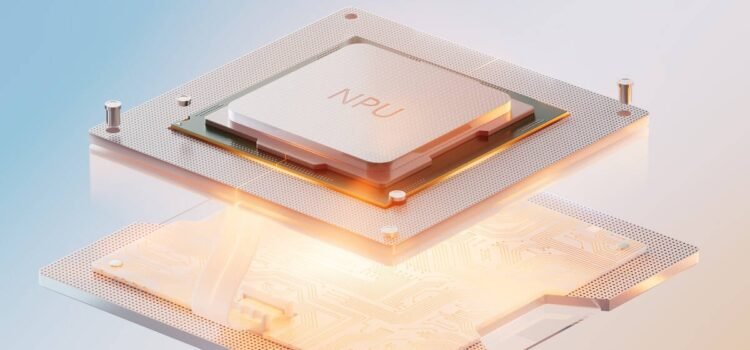
Redmond, Wash. About 85% of corporate IT leaders believe their new laptops will support future operating systems without changes. However, this is not the case. Microsoft is moving toward advanced AI features that require specific hardware; so many new laptops might not be able to run future software. As NPU requirements increase, companies need to rethink how they buy computers. Machines bought today might not be able to run Windows 12.
The Silicon Transition and Processing Thresholds
Copilot+ standards set a starting point for running AI tasks on devices. Microsoft initially required 40 trillion operations per second, but Windows 12 will need much more to handle background tasks, real-time audio translation, and device-level data security. Computers now require much more processing power.
Manufacturers are making new chips to meet these needs. The Qualcomm Snapdragon X Elite 2 can reach up to 80 TOPS, while Intel Lunar Lake currently falls short for some tasks. This difference means some devices can only handle basic office work, while others can run local LLM models more continuously.
The difference between old and new chips is obvious when running ongoing machine learning tasks at work. A Copilot+ PC with an older 40 TOPS processor struggles to run multiple background AI tasks simultaneously and slows down other programs. But systems with the Qualcomm Snapdragon X Elite 2 can handle these jobs smoothly without slowing the CPU or draining the battery.
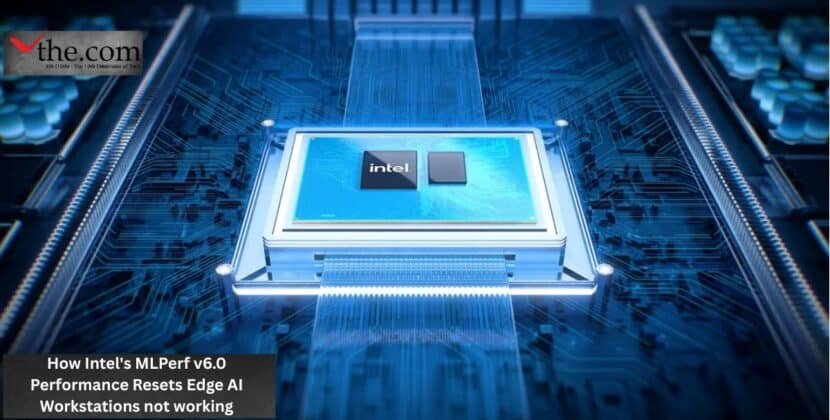
Intel Lunar Lake is highly power-efficient for slim laptops, but its 48 TOPS neural processor is not enough for demanding enterprise AI software. When companies use local AI models for all remote workers, processing speed becomes a key factor in productivity. Older machines with insufficient TOPS cannot keep up with the data demands of the new operating system.
The Core Problem of Obsolescence
Because computing standards are changing quickly, many companies will have outdated computers sooner than expected. The reason why your 2025 AI PC may not support Windows 12 local agents is the new hardware rules. Microsoft now requires at least 50 TOPS for the most demanding tools and background services in the operating system.
For example, a financial analyst running risk models or an engineer making real-time schematics will have problems if their device only has 45 TOPS. The computer will switch to cloud computing, which can be slower and less secure. Devices that meet the new NPU requirements can do these tasks locally, keeping data safe and fast.
Because of this, companies will have to replace their computers sooner than planned. Devices bought in 2025 will still work for basic office tasks, but won’t be able to use new operating system features. The 50 TOPS minimum means only the latest hardware can handle the ongoing demands of local AI agents.
Long-Term Consequences for Corporate IT
With the new NPU requirements, IT teams need to revise their hardware replacement plans. Laptops usually last about four years, but those bought in 2025 may become outdated in just two years.
A Copilot plus PC purchased in 2025 cannot be upgraded to meet the new standards, as the neural processor is built into the chip. Companies will have to write off these computers sooner than planned, resulting in additional costs. This is similar to when Windows 11 required TPM 2.0 and made many good CPUs obsolete.
Preparing for the Next Generation of Hardware
Companies need to change how they buy computers right away to avoid problems. IT managers should look beyond just CPU performance and pay close attention to the neural processor’s abilities.
To plan ahead, companies should buy devices that exceed minimum requirements. Choosing machines with 60 to 80 TOPS will help fleets last longer. This way, when Windows 12 arrives, the computers will support all features, such as automated system optimization and local agent processing.
Hardware is changing faster than ever. The main difference between a 2025 and a 2026 computer is not just battery life or speed, but whether it can run AI tasks without needing the cloud.
When companies plan their tech budgets for the next three years, they need to consider the hidden costs of AI obsolescence. Upgrading now can help avoid surprise expenses and keep working smoothly in all remote offices. Businesses that update their buying strategies to align with these new standards will be ahead in the next wave of enterprise computing.
Source: Microsoft Azure Blog