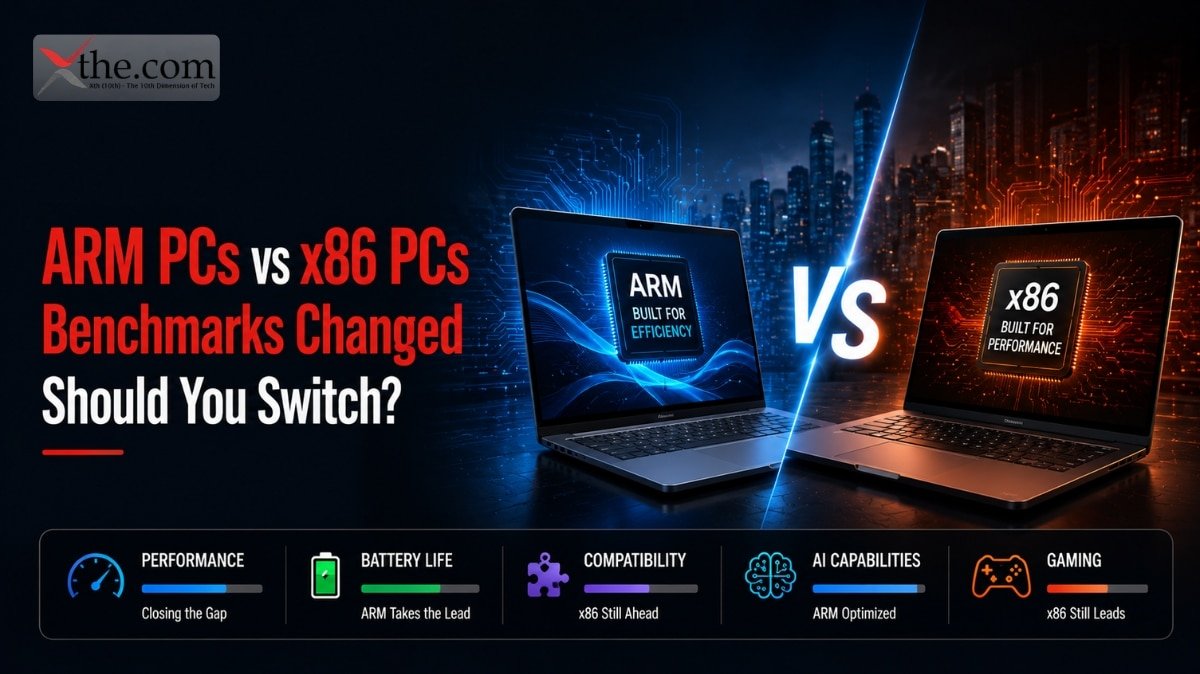






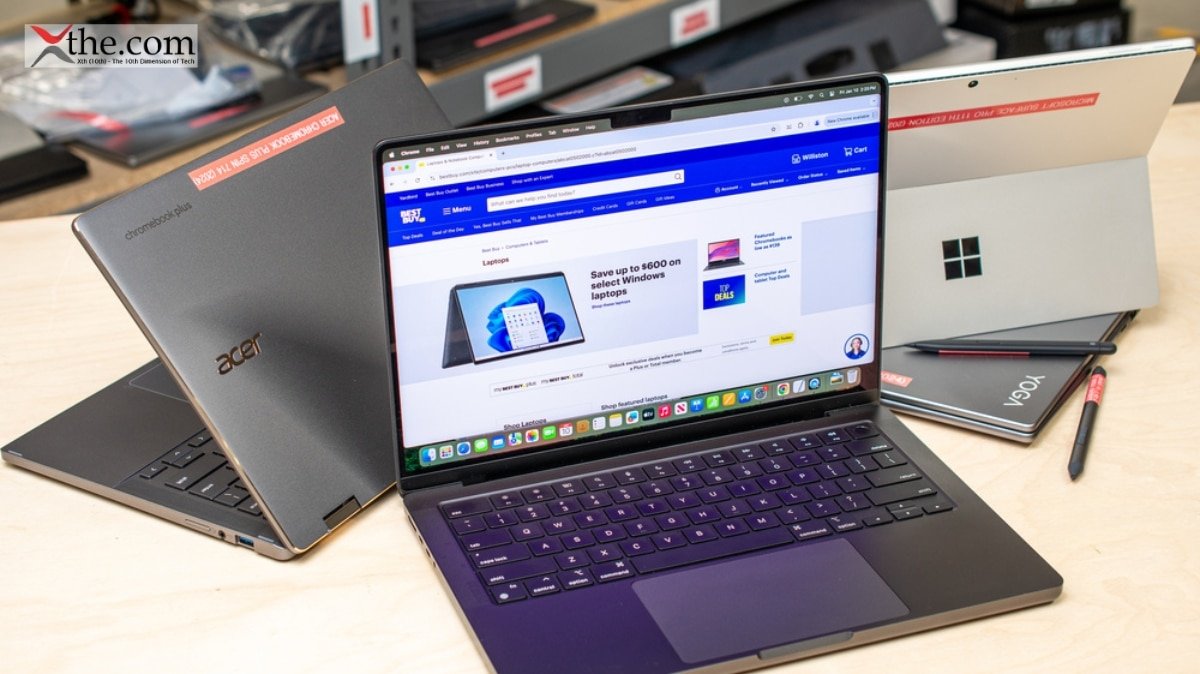
In light of the increased practicality of local AI workflows, picking the proper AI laptops are becoming prominent. Should you be planning on running models in Ollama, LM Studio, or even a laptop that serves as an offline ChatGPT-like service, your choice will depend on the memory, graphics processing capabilities, and sustained performance, and not on fancy terminology. In 2026, the best computer for a local LLM laptop solution will not be the most luxurious ultrabook, but the one that has sufficient VRAM and unified memory capacity.
The problem with the classification is that all AI PCs are not equal to run local inference. Some of the Copilot computers may be designed for assistant functions on device, but running LLM tasks requires good GPU capabilities or huge unified memory spaces. That is why buyers looking for a true AI developer laptop or AI workstation laptop should evaluate hardware for LLM tasks first and branding second.
What Matters Most
When it comes to local LLMs, the most important elements include RAM, VRAM, and storage speeds. As the Copilot+ laptops and AI systems indicate, these laptops and systems come as devices that prioritize on-device abilities. However, local-LLMs note that running any practical model on the device requires lots of memory and good GPUs. In this way, it is better to get an RTX AI laptop with not less than 12-16 GB of VRAM instead of the light laptop with strong NPU but low graphics memory.
It is necessary to mention Apple laptops as well because of the unified memory that is helpful in running bigger models. Therefore, many creators use the idea of getting the MacBook Pro-like laptop LM Studio or laptops for Ollama workflow due to high memory ceilings and silence. At the same time, in the case of the Windows laptop, the best combination is RTX laptop with 32-64 GB RAM and fast SSDs.
Best Picks For 2026
1.MacBook Pro with high unified memory:
If you want the largest possible device and want something reliable for regular usage, a MacBook Pro with 36 GB, 64 GB, or more unified memory is among the best AI laptops for inference on your computer. This is because it is one of the best laptops in general, and the local-LLM aspect makes it even more suitable due to its high memory. For creators who want a quiet, portable laptop for LM Studio, this is often the smoothest experience.
Such a device will suit well those who want a top-tier AI developer laptop with the capability to code, test and experiment on models without being disturbed by fan noise. It is also a good option for those who use macOS tools and need battery life in addition to their AI computing needs. The downside is price since some high memory devices are more expensive than RTX laptops.
2.ASUS ProArt PX13 style Copilot+ Creator Laptop :
Asus ProArt PX13 as a great Copilot+ creator device, making it an attractive Copilot+ PC for those looking for portability and AI functionalities in one product. Even though this laptop might not be the most powerful local-LLM beast available, it provides a balanced profile for those who need to have an AI PC capable of doing light local model work. This is the perfect mix for many users.
For those whose main focus is flexibility for working with laptops for ChatGPT, writing, producing content, and having AI help right from their device, this type of computer is a good fit. This computer isn’t the best for large 70B-class models but will do well for everyday AI tasks. This makes it ideal for those who would like to have one laptop for all their work and experiments.
3.RTX 4070/4080 gaming laptops
In the context of the Windows OS, a high-end gaming laptop is almost always the best value category of RTX AI laptops available for local LLMs. As covered in the AI-oriented segment, the most powerful laptops are increasingly combining the power of creators and gaming with AI capabilities. Such laptops always have more powerful GPUs than lightweight productivity laptops, which goes a long way in helping local models.
With an RTX laptop, you get a dedicated laptop for Ollama, giving you the necessary GPU power required by inference engines. This laptop makes sense as an AI workstation laptop for those who need CUDA compatibility and the ability to multitask. For a safe recommendation on Windows, this is usually where value starts improving.
4. Ultra-premium RTX 50-series laptops
It looks like the new breed of high-end RTX laptops is going to become the most promising Windows device for local AI development in 2026.The trend toward AI-capable laptops powered by Nvidia hardware and the importance of its agentic-AI approach can hardly be overstated. Such devices will be the best choice for people who want to have the most future-proof AI workstation laptop for programming and testing.
These devices are particularly relevant for people who are looking for the best AI developer laptop and willing to spend a little extra on such a solution. Equipped with more VRAM, advanced cooling solutions, and more modern GPUs, they make some of the best Windows options for a local LLM laptop in 2026.
5.Copilot+ ultraportables for light local AI
Copilot+ laptops deserve special attention due to the integration of AI PC into Windows OS, which becomes evident from the Copilot+ laptops are one of the most accessible ways to get into the AI-powered for taking meeting notes, generating summaries, using assistants, and performing other productivity tasks. They are also appealing as an everyday laptop for ChatGPT-style workflows when cloud access is acceptable. They are also appealing as an everyday laptop for ChatGPT-style workflows when cloud access is acceptable.
At the same time, they are probably not the right choice for executing models locally in case your primary concern is doing it in a powerful way. If you need to execute LLMs on a machine, Copilot+ laptops are likely going to be inferior to RTX-based machines with high VRAM and MacBook laptops with sufficient memory.
AI laptops by use case
| Laptop type | Best for | Why it fits local LLMs | Ideal keywords |
| MacBook Pro with high unified memory | Creators, developers, quiet work | Large unified memory helps run bigger models smoothly | AI laptops, laptop for LM Studio, laptop for Ollama |
| RTX 4070/4080 gaming laptop | Windows users, heavy inference | Strong GPU and VRAM improve local model performance | RTX AI laptop, AI developer laptop, AI workstation laptop |
| Ultra-premium RTX 50-series laptop | Power users, serious AI workflows | Best long-term performance, cooling, and VRAM headroom | AI workstation laptop, local LLM laptop |
| Copilot+ ultraportable | Office work, light AI tasks | Good for on-device productivity, not heavy local models | Copilot+ PC, AI PC, laptop for ChatGPT |
| ASUS ProArt-style creator laptop | Designers, hybrid creators | Balanced AI features with portability | Copilot+ PC, AI PC, AI laptops |
Buying factors for local LLMs
| Buying factor | What to look for | Why it matters | Best fit |
| RAM | 32GB minimum, 64GB preferred | Helps keep larger models and apps running together | local LLM laptop, AI developer laptop |
| VRAM | 12GB to 16GB or more | Critical for GPU-accelerated inference | RTX AI laptop, AI workstation laptop |
| Storage | Fast NVMe SSD, 1TB or more | Reduces loading delays for models and datasets | laptop for Ollama, laptop for LM Studio |
| Cooling | Strong thermal design | Prevents throttling during long AI sessions | AI PC, AI laptops |
| Battery life | Good endurance for mobile use | Important for creators and students on the move | Copilot+ PC, laptop for ChatGPT |
| Software support | CUDA, macOS tooling, or NPU features | Improves compatibility with AI apps | AI developer laptop, AI PC |
Buying Guidance
It is always best to select a computer that aligns with your workload. For light on-device assistance, you should settle for a Copilot+ PC or thin and light AI PC. However, if your goal is to use local models extensively, an RTX AI laptop and MacBook Pro class machines are recommended.
For most users, 32GB RAM would be sufficient, but 64GB would be better for those who like experimenting or have several tools running at once. The best laptop for Ollama and laptop for LM Studio would require prioritizing memory over cooling and GPU class. Additionally, if your job requires coding, deployment, and testing, an AI developer laptop or AI workstation laptop would be a good choice.
To conclude, The best AI laptops in 2026 are the ones that match real local-LLM needs instead of marketing buzz. For many users, that means choosing between a high-memory MacBook Pro, an RTX-powered Windows machine, or a balanced Copilot+ PC for lighter AI use. If you want the strongest local performance, focus on VRAM, unified memory, and thermals rather than NPU slogans.
FAQS
1. What are the best AI laptops for running local LLMs in 2026?
The best AI laptops combine high memory (32–64GB), strong GPU or unified memory, and good cooling for smooth local LLM performance.
2.Which AI laptops are ideal as a local LLM laptop for Ollama and LM Studio?
High-memory MacBook Pros and RTX 4070/4080/50-series Windows laptops work best as a local LLM laptop for Ollama and LM Studio.
3.Are Copilot+ PCs and AI PCs good for heavy local AI work?
Copilot+ PCs and most AI PCs are great for productivity and light AI, but they’re usually not powerful enough as a dedicated local LLM laptop.
4.What makes a laptop a good laptop for ChatGPT-style offline use?
A good laptop for ChatGPT-style offline use needs fast RAM, solid storage, and an efficient CPU to keep token generation responsive.
Source
The best AI laptops in 2026, tested by experts | Tom’s Guide
The Best Copilot+ Laptops We’ve Tested for 2026 | PCMag