



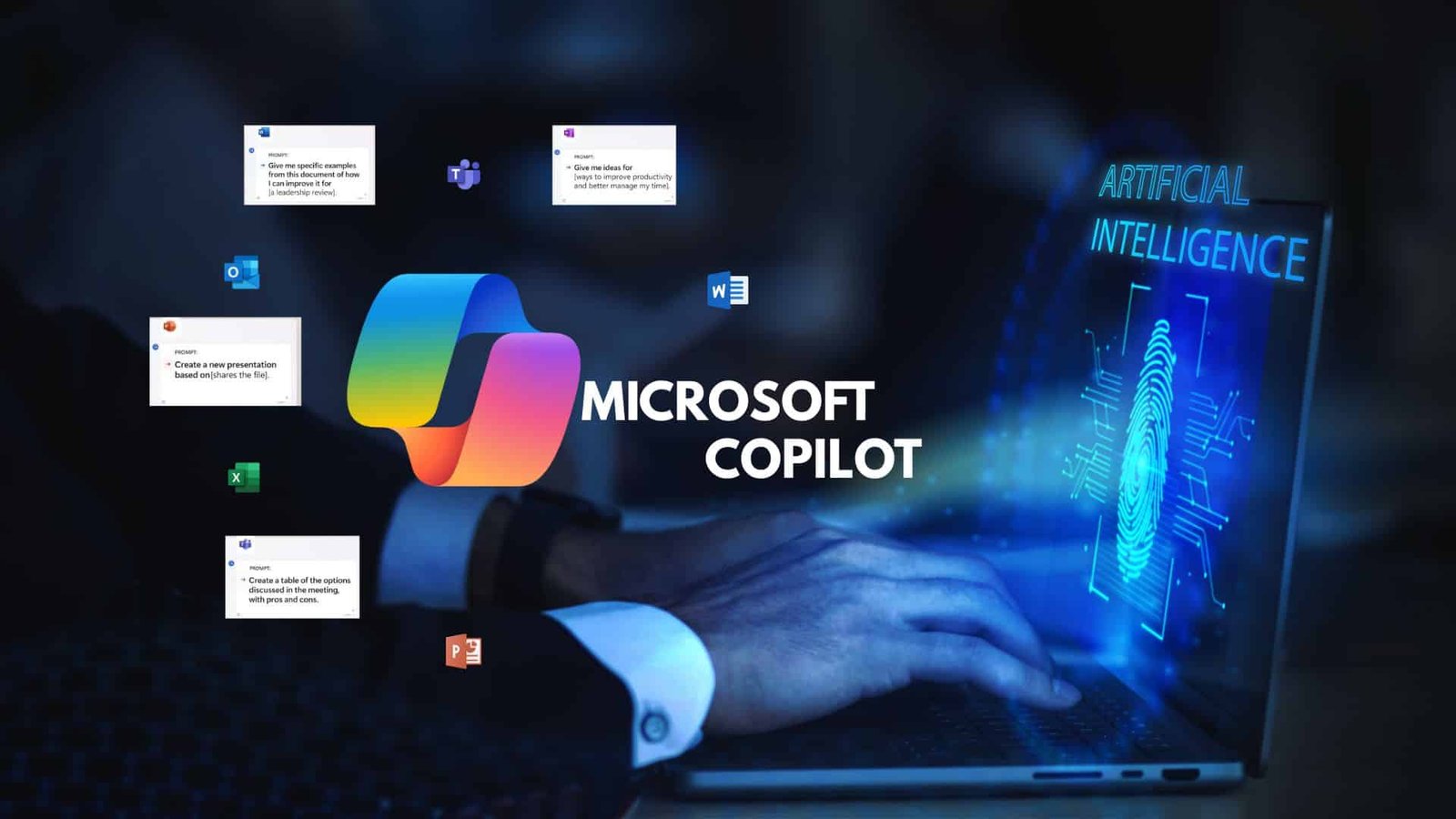
Most enterprise employees no longer have trouble creating content. Instead, they face challenges working across disconnected systems. For example, a sales manager might draft an email, update a CRM, schedule follow-ups, and log compliance notes, often switching between different tools. The latest Microsoft Copilot update and AI workflow automation aim to solve this problem by turning Copilot from a conversational assistant into a tool that can directly execute tasks within workflows.
From Prompts to Actions: A Shift in Role
The defining change in the Microsoft Copilot update and AI workflow automation is simple but consequential. Copilot no longer suggests; it executes. This marks a structural shift in how AI assistants operate in enterprise environments. Instead of responding to queries, Copilot can initiate and complete tasks across connected systems.
This change aligns with the broader adoption of AI productivity tools across enterprise platforms. Companies now look beyond the quality of AI output. They also measure how much easier AI makes their operations. When Copilot can draft reports, pull data, and update systems in one go, its value moves more from simply helping to actually getting things done.
Copilot System Integration Becomes The Backbone
At the center of this evolution is deeper Copilot system integration across Microsoft’s ecosystem. Applications like Outlook, Teams, and Dynamics are no longer isolated endpoints. They act as nodes within a coordinated system where Copilot moves data and triggers actions.
This level of Copilot system integration changes how workflows are designed. For instance, a procurement manager reviewing vendor contracts can prompt Copilot to extract terms, compare pricing, and initiate approval workflows. Each step occurs within the same interface, reducing delays from tool switching.
The result is more than just efficiency. Tasks move smoothly without interruption, and important context is kept across different systems.
Rethinking Enterprise Automation Tools
This expansion challenges the old idea of what enterprise automation tools are. In the past, automation depended on set scripts or strict workflows. These systems required careful setup and struggled to handle changes.
With AI-driven execution, enterprise automation tools become adaptive. Copilot interprets intent rather than following fixed instructions. This allows workflows to adjust in real time. For example, if a supply chain delay occurs, Copilot can notify stakeholders, update delivery timelines, and adjust procurement orders without manual intervention.
This flexibility means business users don’t have to rely on IT teams as much to change workflows. They have more control over how their processes develop.
The Rise Of AI As Interface
The update also signals a broader shift in AI interface design for the future. Traditional interfaces rely on menus, dashboards, and forms. Copilot introduces a conversational layer that sits above these elements, allowing users to interact with systems through natural language.
In the future of AI interface design, the interface becomes less about navigation and more about intent. A user no longer needs to know where a function resides. They simply describe what they need, and the system executes it. This reduces the learning curves for complex enterprise software.
However, this change brings new design challenges. Interfaces need to show clearly what actions the AI is taking. Users must be able to trust that the system is doing tasks correctly and safely.
Productivity Gains Meet Structural Change
The integration of Copilot into workflows strengthens the role of AI productivity tools in enterprise environments. Productivity is no longer about speed alone. It is about reducing cognitive load. Employees spend less time managing tools and more time focusing on outcomes.
This also reinforces the importance of AI assistants in enterprise systems that can operate across domains. A marketing team, for instance, can use Copilot to generate campaign content, analyze performance metrics, and adjust budgets all within a single workflow.
These features make the line between assistant and operator less clear. Copilot becomes part of daily operations rather than an extra tool.
The UI Disruption Enterprises Didn’t Plan For
This expansion brings a less obvious risk: column changes to the user interface. As Copilot handles more tasks, traditional UI elements such as dashboards and menus may become less important than conversational commands.
Thus, this shift in AI interface design future could create friction during adoption. Employees accustomed to virtual interfaces may struggle to trust or understand AI-driven actions. Training and change management will play a critical role in easing this transition.
At the same time, organizations must ensure that enterprise automation tools remain transparent. Users need clear feedback on what actions are being taken and why. Without this, trust in AI systems can erode quickly.
Microsoft Copilot Update: AI Workflow Automation in Practice
In practice, the Microsoft Copilot update and AI workflow automation change how daily tasks get done. For example, a finance team closing monthly accounts can use Copilot to collect data from different systems, fix discrepancies, create reports, and flag issues all in one workflow.
This saves time on complex processes and reduces mistakes from handling data by hand. Over time, these improvements add up and lead to big gains in how the business runs.
However, these benefits depend on how well organizations integrate Copilot with their existing systems. If integration is poor, Copilot may not work as well and could even cause new problems.
A New Operating Model Emerges
Expanding Copilot into workflows signals a larger shift in how enterprises operate. Systems are now more connected, and AI is playing a bigger part in getting work done. The Microsoft Copilot update and AI workflow automation are more than just upgrades. They mark a move toward AI-led operations.
For decision-makers, these changes matter right away. Investing in AI now means thinking about integration, governance, and user experience. The focus is moving from just adding tools to building systems that work smoothly together.
As enterprises adjust, those that adopt this new way of working will probably get ahead. Interfaces are changing, workflows are evolving, and AI is becoming central to how work happens.
Source: Official Microsoft Blog